Family & Roles

Everyone sees exactly what fits them.

ClaaroPlan distinguishes between parents, teens, and kids – each with fitting permissions and an age-appropriate view. That keeps the app easy to understand for everyone, without losing control.

Three roles, clearly separated

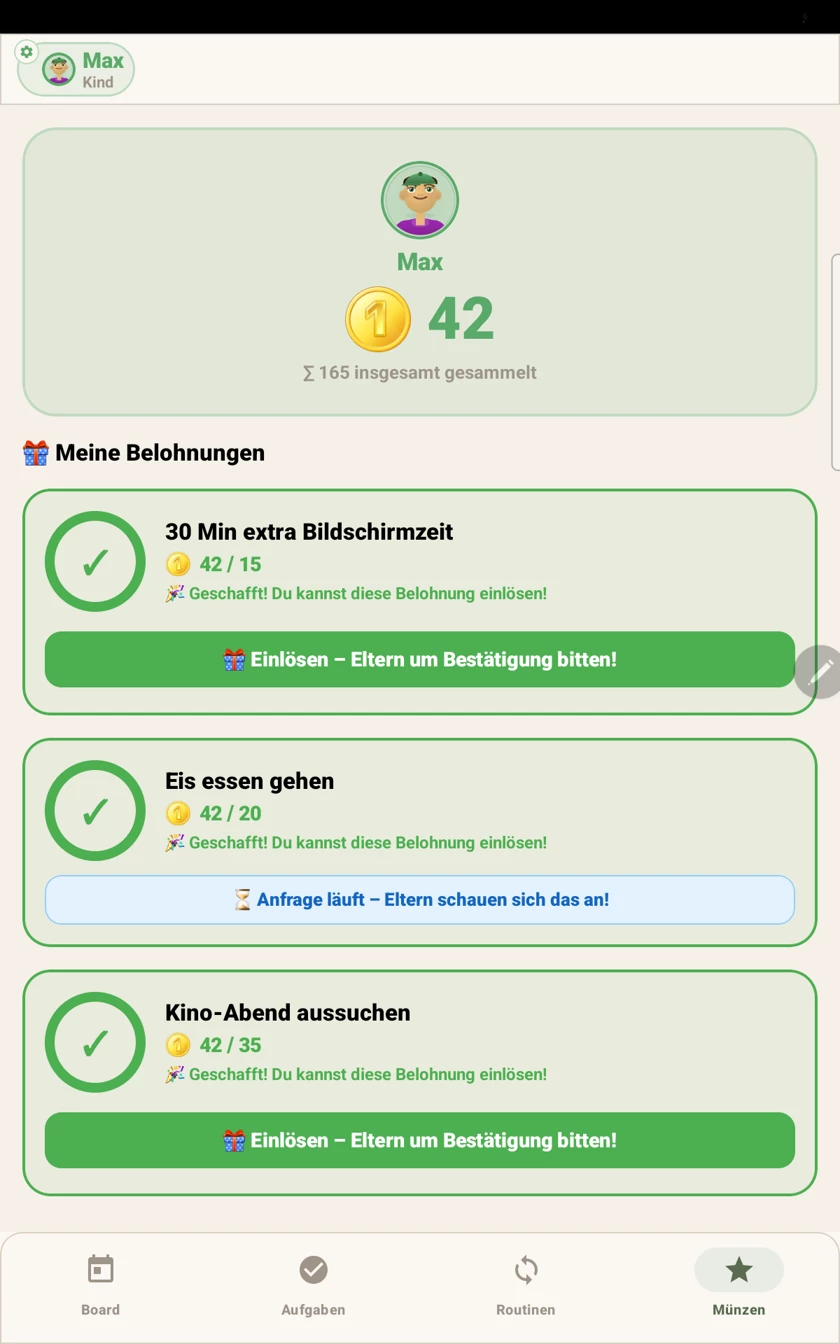
Parents manage everything: family settings, approvals, coin values. Teens have access to every area and can create their own tasks or routines, without being able to change family settings. Kids see a deliberately simplified view with their own tasks, routines, and coin balance.

  • 👑 Parent – full access
  • 🧑 Teen – every area, no family settings
  • 🧒 Child – simplified, low-stimulation view
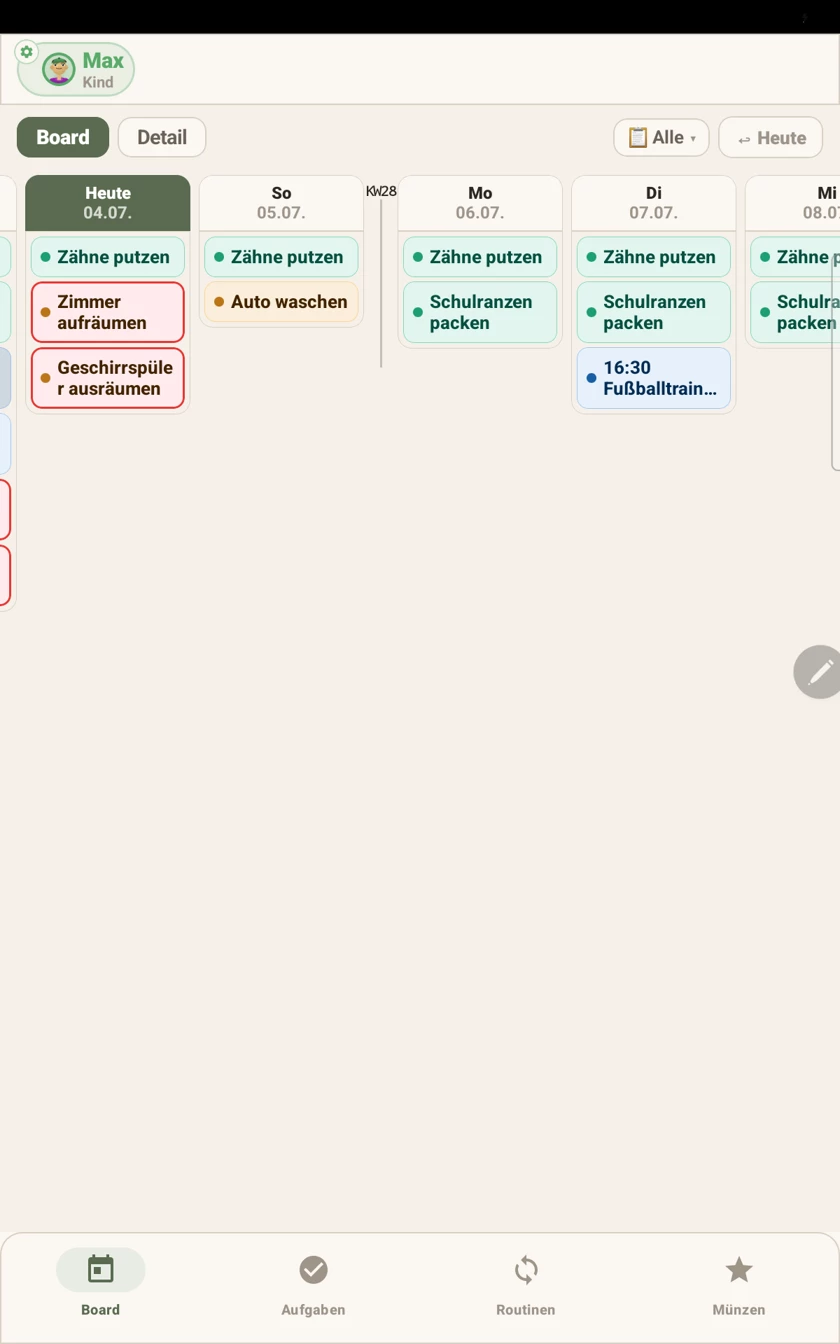
ClaaroPlan family roles and profiles

Tasks with parent approval and coins

When a child completes a task, it first goes to the parents for approval. Only after confirming does the coin reward get paid out – keeping motivation playful, without tasks being checked off unchecked.

ClaaroPlan task approval and coin system

Joining by code, protection by PIN

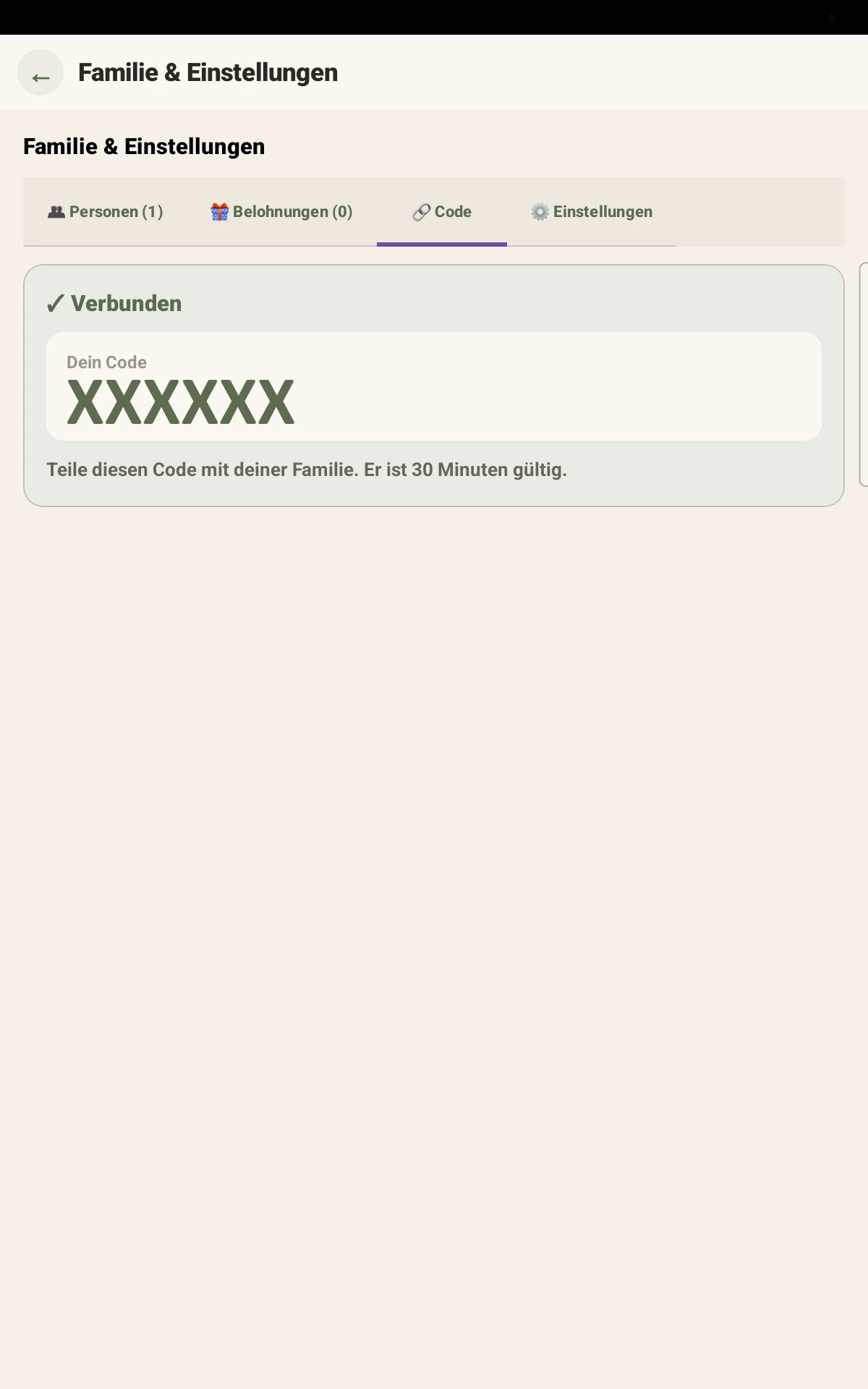
New family members join via a code that's only valid for 30 minutes. Every profile can also be protected with a 4-digit PIN, and individual appointments, tasks, or lists can be hidden from specific members on purpose.

ClaaroPlan joining by code
Claaro answers

Frequently asked questions

The number of family members is unlimited, regardless of the per-device price.
Yes, joining works through a time-limited code – a personal email address isn't needed.
A simplified, low-stimulation overview with their own tasks, routines, and coin balance – without access to family settings.
Explore more

The rest of ClaaroPlan

Claaro

Ready for a calmer everyday life?

Try every feature free for a month. No account, no risk.

🤖 Currently free in the open Android beta · 🍎 iOS is in development

Claaro